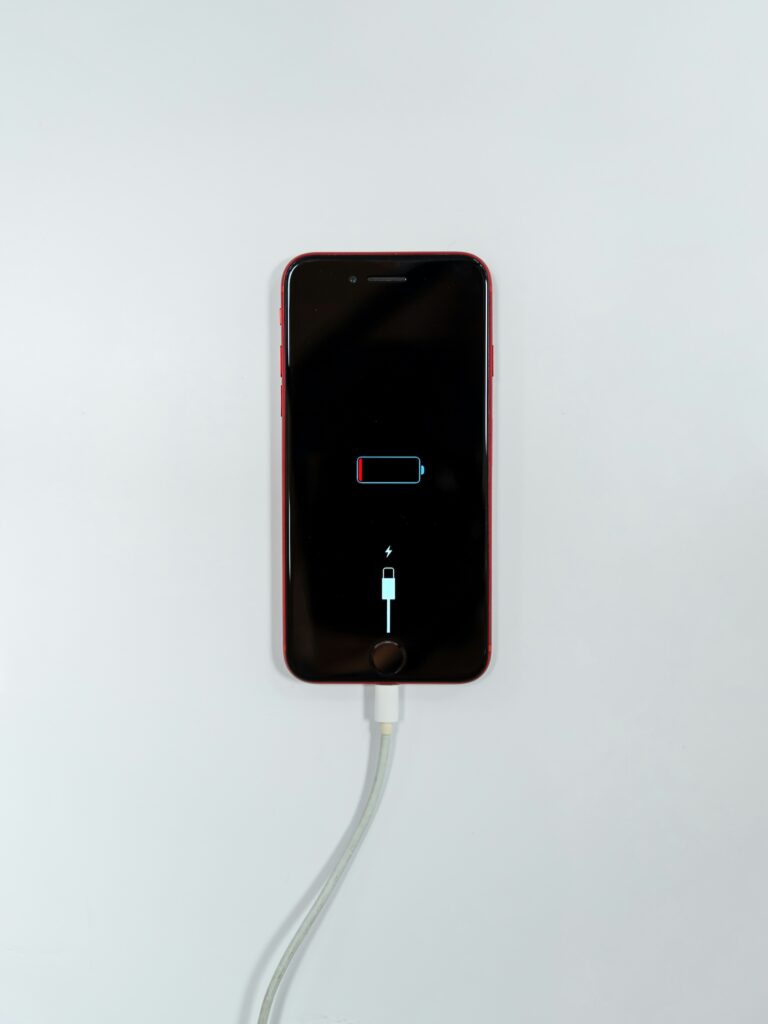
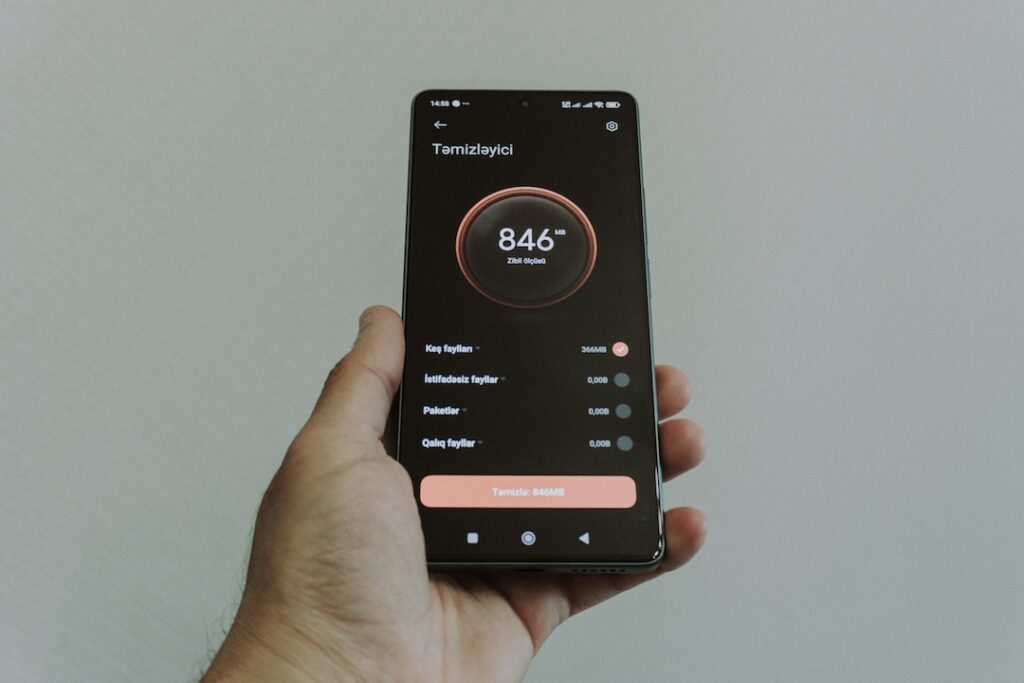
Have you ever received a notification saying that your phone’s storage is almost full?
This is a common problem, especially if you frequently take photos and videos or install many applications.
When storage becomes extremely limited, you may have trouble taking new photos, installing apps or downloading files.
8 Ways to Free Up Phone Storage
1. Find Out What’s Using Your Storage
Don’t immediately start deleting random files.
First, open the Storage section in your phone’s settings. You will usually see categories such as photos, videos, apps, documents, downloads and system data.
This helps you identify what is actually taking up the most space.
2. Delete Unnecessary Videos
Videos generally take up much more storage than photos.
Go through your gallery and look for videos that are blurry, duplicated, accidental recordings or no longer needed.
Before deleting anything important, make sure you have another copy.
3. Check Your Downloads Folder
The Downloads folder often contains files that you have completely forgotten about.
- PDF files
- Images
- Documents
- Installation files
- Files downloaded from websites
If you no longer need these files, you can delete them.
4. Remove Apps You Rarely Use
Take a look at your installed applications.
If you haven’t used an app for several months and don’t expect to need it, consider uninstalling it.
5. Look for Duplicate Photos
Duplicate photos can quietly consume a surprising amount of storage.
Duplicates can happen when you take several versions of the same photo, save images from messaging apps or download images from social media.
Some smartphones have built-in tools for detecting duplicate photos. Use those tools if they are available.
6. Check Messaging Apps
Messaging apps can accumulate large amounts of photos, videos and documents over time.
Check the storage section of your messaging apps to identify conversations that are using a lot of space.
Before deleting anything, make sure you don’t need the files.
7. Move Important Files to Another Location
If you have a large collection of photos and videos that you want to keep but don’t access regularly, consider moving them to a computer or suitable cloud storage service.
Make sure the transfer has completed successfully and that the files can be opened before deleting the original copies.
8. Don’t Delete System Files Randomly
If you don’t know what a file does, don’t delete it.
Some system files and application data may be required for your phone to work properly.
Conclusion
Cleaning up your phone doesn’t have to take hours.
Start by finding out which categories are using the most storage.
- Delete unnecessary videos.
- Remove duplicate photos.
- Check your Downloads folder.
- Uninstall unused applications.
- Review media stored by messaging apps.
Most importantly, back up important files before deleting them.